
Exercise guide
Practice now — free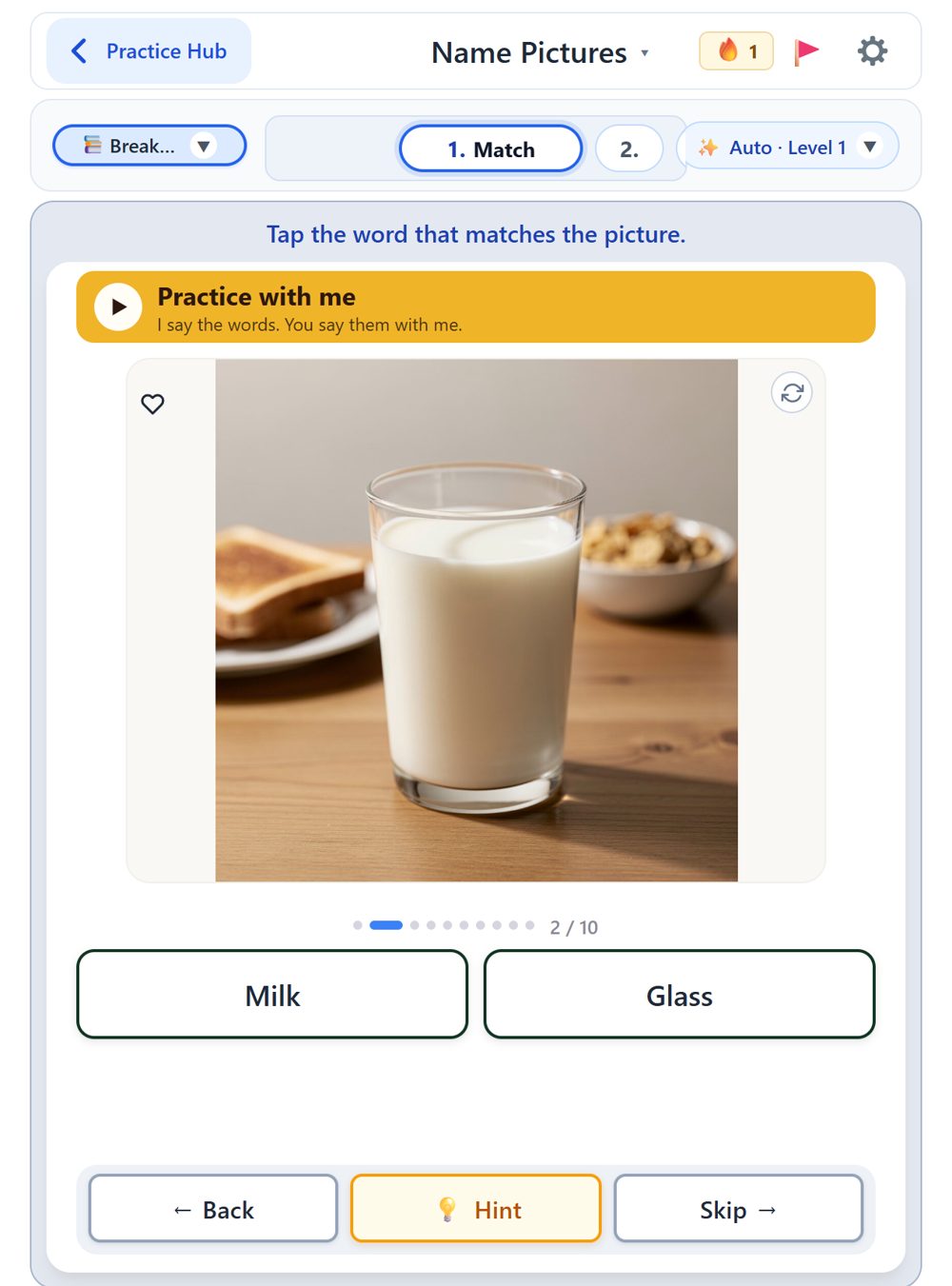
Who it is used with
Trouble finding words (anomia) is part of nearly every aphasia, so picture naming is where most people start. It is often used with:
Not sure of the type? Start in Match mode on Level 1. Nothing is lost by starting easy.
How to use it
A picture appears
Look at it and think of the word.
Say it, tap it, or type it
Which one depends on the mode: Match, Speak or Type.
Tap Next
Or Skip to move on. Nothing is lost. After 10 pictures the set is done.
Modes
With a free account, the 1 · 2 · 3 strip above the picture switches the mode. Your choice is remembered. Without an account you practise in Match.
Match
Easiest. Tap the word that matches the picture. A good first step, and a good mode for days when speaking is hard.
Speak
Say the name out loud. Tap the green Tap to speak button; the exercise listens and checks the word. Works in Chrome and Safari.
Type
Type the name of the picture. Naming and spelling in one.
Ways to get through it
When a word will not come, there is help on the card. When the words come easily, move up.
Hint
One clue at a time, weakest first: the group it belongs to, a sentence with the word missing, the first sound, the letters one by one, then the whole word.
Practice with me
The exercise says each clue out loud and says the word with you. For when even the Hint button is too much. Free.
Levels
You start on Level 1 with everyday words. On Auto, the exercise moves you up a level when a set goes well; it never moves you down. Or open the Level menu and pick one yourself. Level 4 is rarer, longer words.
Topics
Tap the topic button to practise words from your real life: breakfast, kitchen, clothes, animals, tools.
The method behind it
Confrontation naming with a cueing hierarchy. An evidence-based approach speech-language pathologists use in the clinic: name the picture, and when the word will not come, get a cue, the smallest one first. Read how it works →
What comes after naming?
When naming feels easy, move one step up: