
Exercise guide
Practice now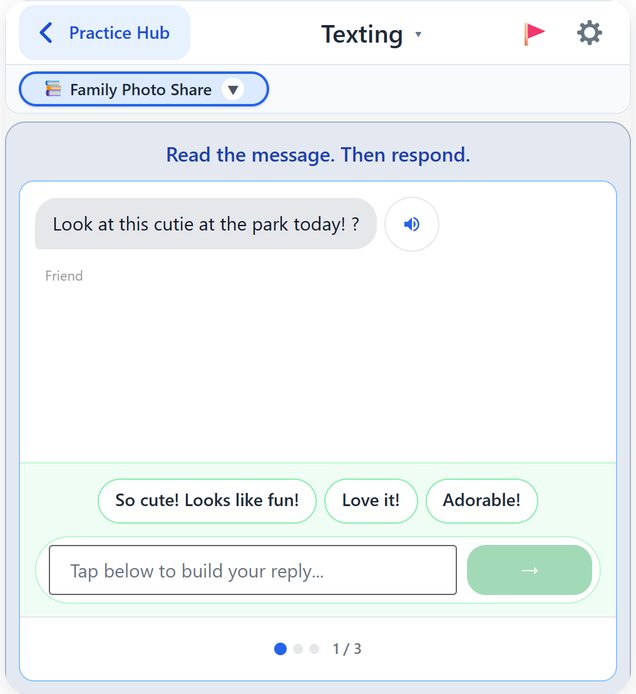
Who it is used with
Texting is how many families talk now. Texting practice is used with any type of aphasia, at whatever step suits.
Start with Select Phrases: tap a reply, then send.
How to use it
A friend texts you
Read the message. Tap 🔊 to hear it.
Write your reply
Tap a phrase, tap words in order, or type it. Then tap send.
Keep the chat going
Each reply brings the next message. At the end, tap Next Conversation.
Modes
Switch how you answer in Settings: tick SLP mode, then How you answer. Your choice is remembered.
Select Phrases
Tap the best reply from up to three phrases.
Word Bank
Build the reply from words and short pieces.
Free Typing
Type your own reply. It is checked for the key words.
Ways to get through it
Every message can be heard out loud. Scroll up to read the chat again.
Hint
In Free Typing: first shows the words of a good reply, then puts the whole reply in the box for you to send.
The method behind it
Functional communication practice. Practising a real-life task, texting, with the reading, word-finding and sentence work inside it.
What comes after texting?
Practise more everyday tasks: